- you decide which words mean the same
- only your listed words widen the search
- predictable results
- the AI decides what is related
- uses descriptions and image data
- can’t be switched off
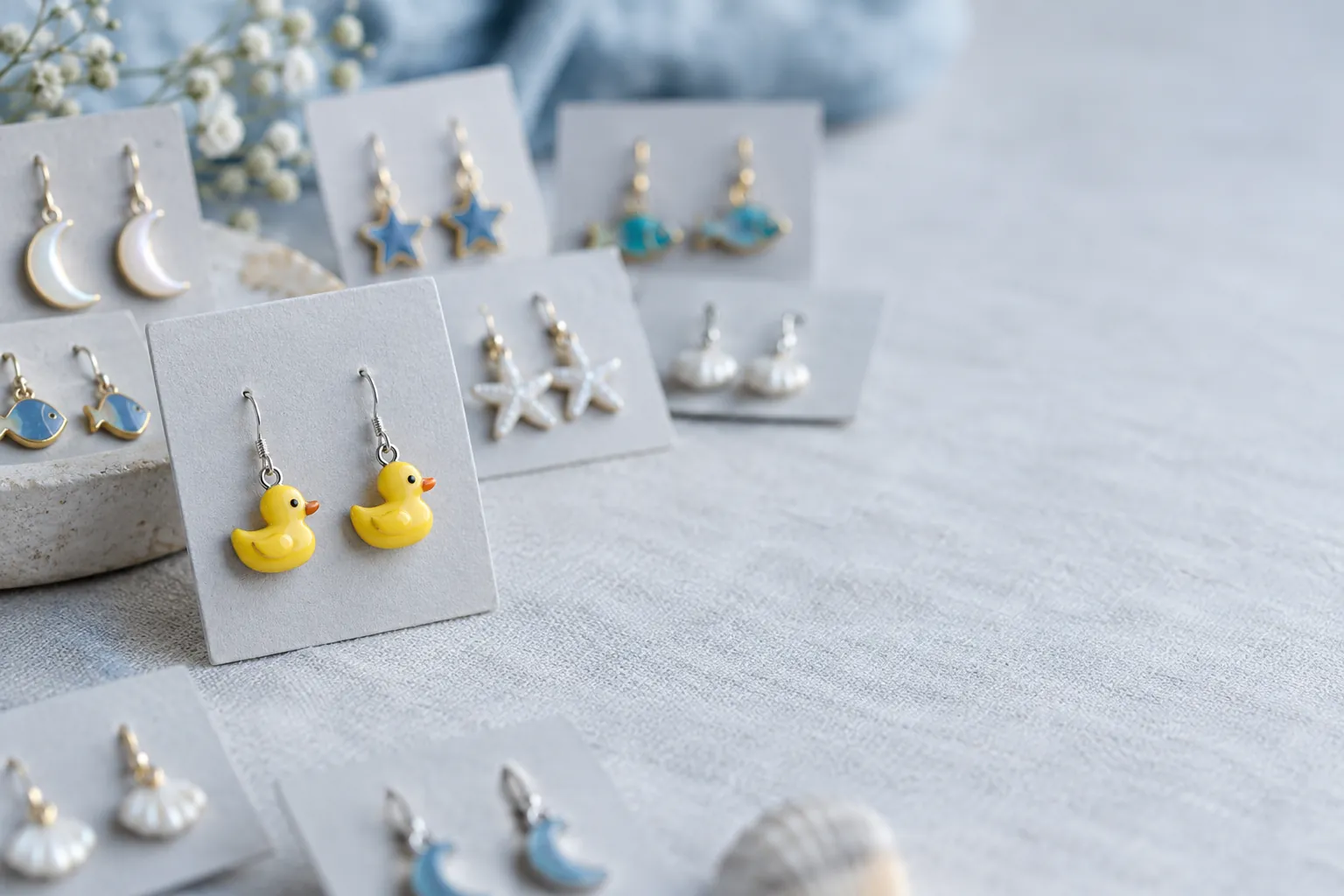
Since about 16 September, Shopify merchants have been reporting the same thing in the community forums: searches suddenly return hundreds of loosely related products, and the Synonyms section in the Search & Discovery app is gone7. One merchant's example sums it up: "duck earrings" returned the duck earrings, and then 900 more products with moons, stars and fish6.
There was no changelog entry. Here is what we know, what's behind it, and what you can do about it today.
What changed
Synonyms are gone. Shopify's Help Center lists four ways to customise online store search in Search & Discovery today: result types, product boosts, the display of combined listings, and how out-of-stock products are handled. Synonyms are no longer on that list1. Merchants first reported the section disappearing around 16 September 20268.
Semantic understanding took their place. Shopify describes it as an AI search behaviour "that uses related words, concepts, categories and other contexts to improve and expand search results"2. Three details matter:
- It uses product descriptions and image data, including text inside images and colours, not just titles and tags.
- It's automatic. Shopify says you don't need to turn it on, and there's no setting to turn it off.
- It applies to stores on the Grow, Advanced and Plus plans with fewer than 200,000 products, and only to the search results page, not to the predictive search dropdown that appears while customers type. It isn't available for the Japanese locale2.
So if your search got worse in September and you're on one of those plans, this is the most likely reason.
Why "duck earrings" returns moons and stars
Synonyms widened a search in a controlled way: you decided that "sneakers" also means "trainers". Semantic search widens it by meaning, and it decides on its own what's related.
For a query like "duck earrings", the word "earrings" matches hundreds of your products strongly, while "duck" is the word that actually narrows the search. A meaning-based search treats the query as one idea and doesn't know that "duck" is the important part. If your descriptions all share the same care text and say nothing about the design, there's very little left to tell a duck from a moon.
Two consequences:
- Results that used to be too narrow (a customer types "trainers", you call them "sneakers") are often better now.
- Results that used to be precise can now come with a long tail of loosely related products.
What you can do today, without an app
1. Find the searches that are actually broken
Don't fix hundreds of products. Open the search reports in the Search & Discovery app (last 30 days; for longer periods use Analytics → Reports) and look at4:
- Searches with no clicks: results come back, but nobody clicks. That's the "duck earrings" symptom.
- Searches with no results.
- Your top searches of the last 30 days. The top 20 usually cover most of your search revenue.
Work through that list, not through the catalogue.
2. Boost the right products for those searches
Product boosts can't make the result list shorter, but they decide what shows up first, and that's what customers see. In Search & Discovery you can add up to 10 search terms per boosted product. Two limits: boosts only apply to products that are available for sale, and they're not applied when a search uses search syntax (see step 4)1.
3. Make your products easier to tell apart
Semantic search reads your product data, so the data now decides more than before:
- Put the distinctive word (design, material, model, compatibility) in the title.
- Replace boilerplate descriptions (the same care or shipping text on every product) with at least one product-specific sentence. When every description says the same thing, the AI has nothing to tell your products apart by.
- Use tags for the words your old synonyms covered, for example add "trainers" as a tag on your sneakers. That's the closest free replacement for a synonym list. Tags are searched both on the results page and in the predictive search dropdown, where semantic understanding doesn't apply5.
4. Use exact search links where precision matters
Shopify's search supports search syntax, for example field searches. A link like /search?q=title:duck AND title:earrings returns only products with both words in the title. According to Shopify, a search that uses syntax switches off semantic understanding, so there's no loose expansion3. That's useful for menu links, campaign links and "shop the collection" buttons.
The trade-offs: search syntax also switches off typo tolerance, field searches look for exact matches (a misspelled word finds nothing), and product boosts aren't applied. Use it for links you control, not as a replacement for the search box.
Some merchants rewrite every customer search into this syntax with a theme script. It does make results precise, but it also switches off typo tolerance for every search. If you try it, keep a fallback to the normal search when the strict version finds nothing, and test misspelled queries before you go live.
5. Tell Shopify
Open a ticket with Shopify Support and include concrete examples: the query, the products you expected, and what came back instead. The more stores report it with examples, the more likely the behaviour gets tuned.
When an app makes sense
For many stores, steps 1 to 3 recover most of the lost revenue. It gets harder when:
- your catalogue lives on technical terms, product codes or variants, where "close in meaning" is simply wrong,
- you need control over what counts as the same word (brand names, internal terms, compliance language),
- or you sell in a language that semantic understanding doesn't support.
Then a dedicated search app is worth a look. When you compare apps, check three things: can you still define synonyms yourself, do exact matches (titles, codes, SKUs) rank above loosely related ones, and does it keep working with your theme's search page and filters.
Our own view, as people who build product search: semantic and keyword search aren't opposites. Good search uses meaning where the customer's wording differs from yours, and exact matching where the customer already knows what they want. The difficult part is deciding which one applies to which query.
That's what we built Eywora for. It combines keyword and semantic search, and you decide how much the semantic side counts for each field. You keep full control over synonyms: add your own, and approve or reject synonym groups the AI suggests. Product codes and SKUs skip the semantic matching, so "SKU-4711" is never "understood" into something else. On top of that come merchandising rules without code (boosts, pinned results, exclusions, redirects), reports on zero-result searches and revenue per search term, and a search debugger that shows why a product matched. Eywora works with Shopify stores today via product feed and a small search widget; a native Shopify app is on the way. More at https://www.eywora.com/en/.
Sources
- Shopify Help Center: Modifying search with Shopify Search & Discovery – https://help.shopify.com/en/manual/online-store/search-and-discovery/search ↩
- Shopify Help Center: Semantic understanding – https://help.shopify.com/en/manual/online-store/search-and-discovery/search/semantic-understanding ↩
- Shopify Help Center: Search behavior (search syntax, typo tolerance) – https://help.shopify.com/en/manual/online-store/storefront-search/search-behavior ↩
- Shopify Help Center: Search & Discovery reports – https://help.shopify.com/en/manual/online-store/storefront-search/search-and-discovery-analytics ↩
- Shopify developer docs: Predictive Search API (searched product fields) – https://shopify.dev/docs/api/ajax/reference/predictive-search ↩
- Shopify Community: "Search results" (duck earrings example, 13 Sep 2026) – https://community.shopify.com/t/search-results/681106 ↩
- Shopify Community: "Search function completely useless? Synonyms retired?" (23 Sep 2026) – https://community.shopify.com/t/search-function-completely-useless-synonyms-retired/686891 ↩
- Shopify Developer Community: "Search and Discovery – Synonyms disappeared" (16 Sep 2026) – https://community.shopify.dev/t/shopify-search-and-discovery-synonyms-disappeared/37669 ↩