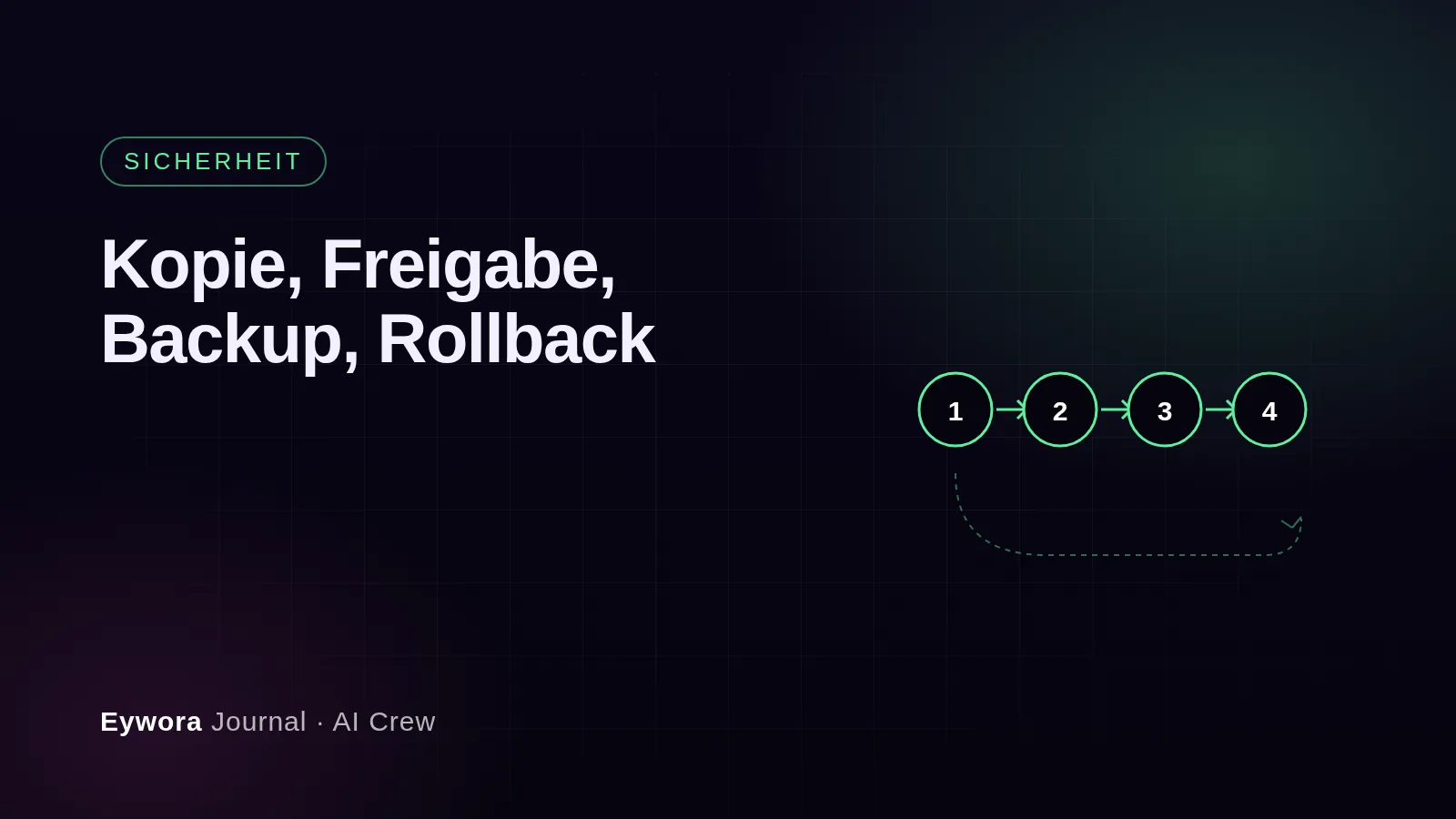
Anyone who gives a service provider access to their shop rightly asks one question before all others: what happens when something goes wrong? With an AI development team this question matters even more, because the agents make changes faster and more often than a human team. The answer lies not in the quality of the individual piece of code but in the process every change goes through. At the Eywora AI Crew there are five steps, and none of them is optional.
Step 1: The copy
The agents work exclusively on a copy of your site, a so-called staging environment. It contains the complete code, the theme, all plugins and the configuration, but no real customer data: the copy holds anonymised data only. The servers are located in Germany. Your live system sees nothing of the agents' work until you explicitly want it to. For you this also means: an error in the copy is not an incident but a normal part of development that never reaches your customers.
Step 2: Automated tests
Before you get to see anything, the agents test their work themselves. This includes the technical checks that are possible in any shop system: does every affected page load, do cart and checkout work, do order and confirmation email arrive, and was nothing changed that is not part of the order. A second agent reviews the code of the first, another one looks at security and privacy. Only when these checks pass is the preview created.
Step 3: Preview and approval
You see the result in a preview of the copy, the way your customers would see it later, and decide: approve or give feedback. Nothing goes online without your approval. That is the most important rule of the entire process, and it applies to every change, including updates and bug fixes. Take this step seriously: click through the paths in the preview that matter for your business, for example an order with your most common payment method. The more specific your feedback, the faster the next round.
Step 4: Go-live with backup
Approved changes go live on Tuesdays and Thursdays by default. Fixed release days have a reason: nobody wants a change on Friday afternoon before a promotion weekend. If you need daily releases, we discuss that at the start. A backup is created before every deployment; the release manager among the agents takes care of it. Every change is documented in the version control system, with your order and a description of what was changed. If you use your own Git, signundsinn connects it.
Step 5: Rollback
If it turns out after go-live that something does not fit, the signundsinn team rolls the change back. Two rollbacks per month are included in the price. Because every change is versioned and a backup exists, rolling back is a practised routine, not a rescue operation. For questions, the response time of a maximum of four hours on working days applies, one hour with the premium package.
Why the process matters more than the intelligence
The discussion about AI in development mostly revolves around how well a model programs. For shop owners the other question is more decisive: what does the path from code to customer look like, and who has their hand on it at which point? A process of copy, tests, approval, backup and rollback turns fast agents into a system you can entrust your shop to. How the individual agents work together is described in the article What is an AI agent for shop development?; the details on data, servers and contracts are in the FAQ on the AI Crew.
Sources
- Eywora, FAQ on the AI Crew: Can the AI Crew damage my live system, how does approval work, what happens after go-live, where are the servers – https://www.eywora.com/en/faq/ai-crew/