To the question "Which systems does this work for?", many vendors answer "all of them". That sounds generous but helps nobody who runs a shop on JTL 5 and wants to know whether they are included. This article names the systems and versions the Eywora AI Crew works with and explains the one rule from which the list follows.
The rule: self-hosted
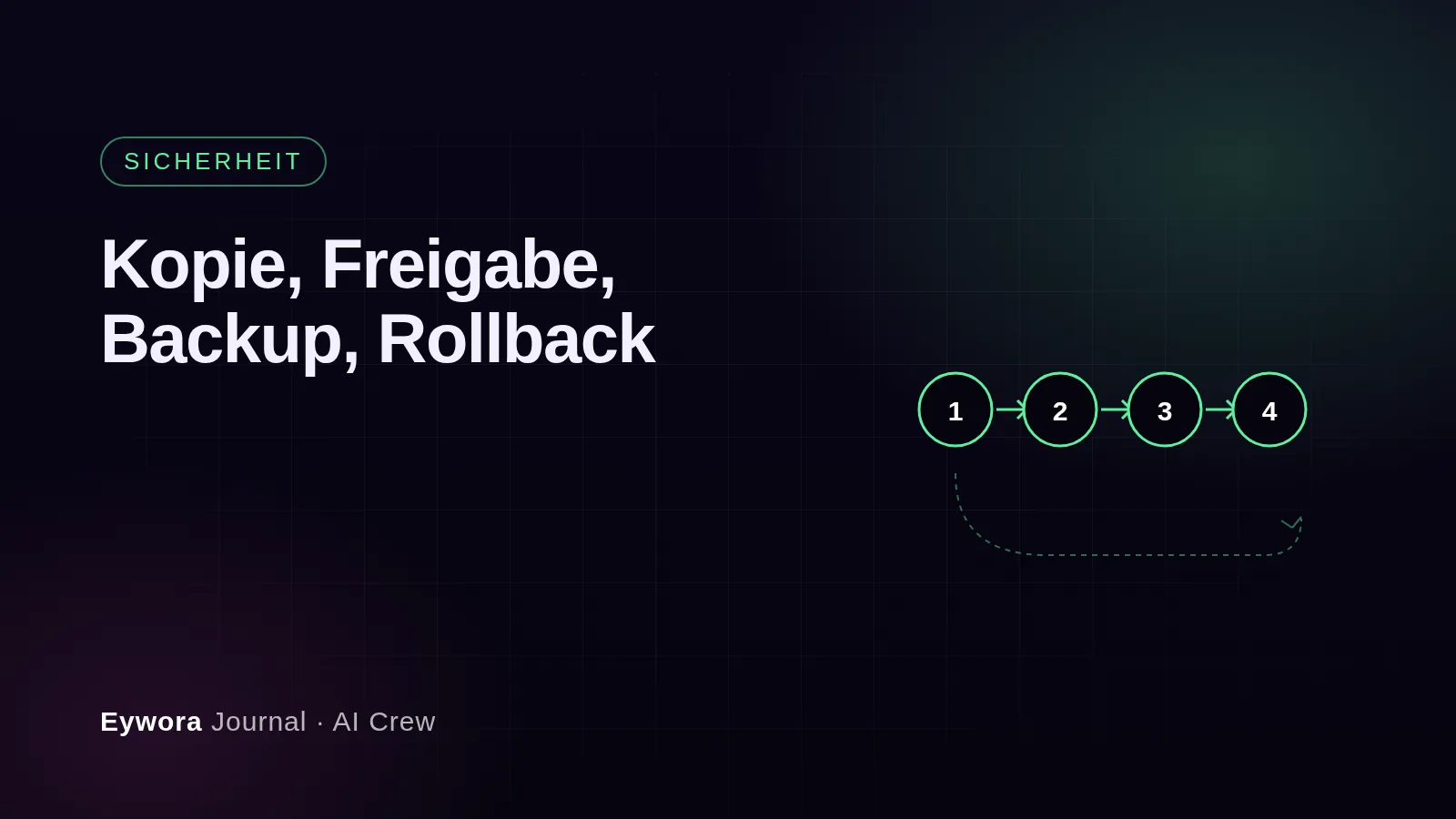
The AI Crew supports systems where code, database and deployment are under your control, meaning they run on your server or at a hosting provider of your choice. Only then can the agents set up a complete copy of the site, read and change the code, run tests and deploy a change with a backup after your approval. That is the way of working described in the article Copy, approval, backup, rollback, and it requires this access.
Shop systems
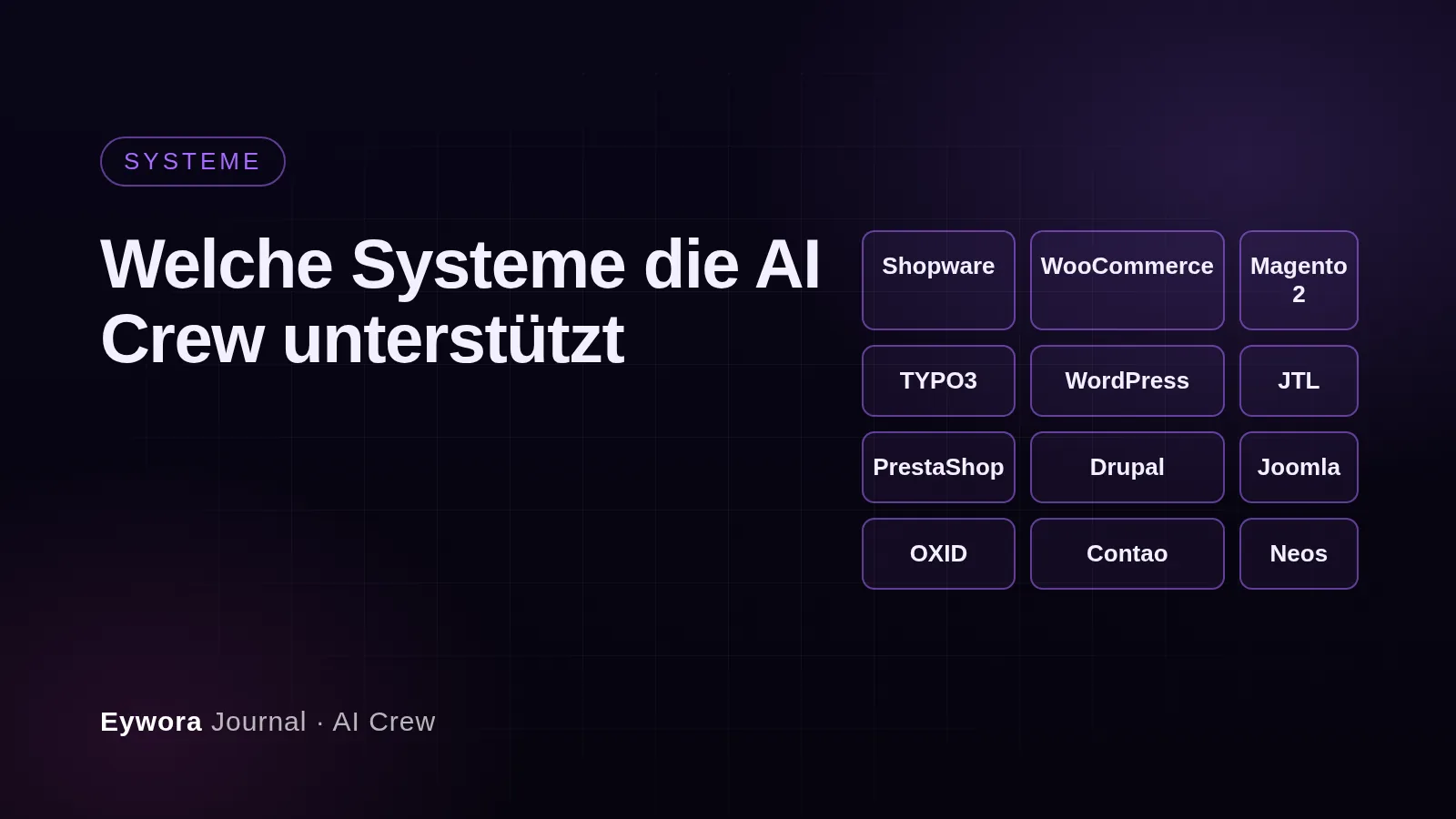
- Shopware 6 from version 6.5
- WooCommerce from version 8 on WordPress 6
- Magento 2, version 2.4 (Magento Open Source and Adobe Commerce)
- JTL-Shop 5
- PrestaShop 8
- OXID eShop 6
- Gambio GX4
- Drupal Commerce on Drupal 10 and 11
Content management systems
- WordPress 6
- TYPO3 12 LTS and 13 LTS
- Joomla 5
- Drupal 10 and 11
- Concrete CMS 9
- Kirby 4
- django CMS 4
- Contao 5
- Craft CMS 5
- Neos 9
- Sulu 2
- Statamic 5
- Strapi 5
- Ghost 5
The versions follow the vendors' information on which major versions are currently maintained.1234 The list on the home page is the authoritative version; it is updated when vendors release new major versions or discontinue old ones.
What is not included and why
SaaS platforms such as Shopify, BigCommerce, commercetools, plentymarkets, Storyblok and Contentful are not supported. With these systems the core sits with the vendor: the platform code is not accessible, the database cannot be reached, and changes are limited to themes, apps and interfaces. For many shop owners that is exactly right, but it is not the work a development team with copy, tests and rollback is built for. A vendor who claims to deliver the same on Shopify as on Shopware promises something the platform does not allow.
Discontinued versions such as Shopware 5, Magento 1 or TYPO3 versions before 12 are excluded as well. They no longer receive security updates, and any further development would be work on a system that has to be replaced anyway. The move to the current version is a separate project that signundsinn offers at a fixed price. After that, the AI Crew takes over the ongoing work.
What "supported" means in practice
For every system on the list, the AI Crew can set up a copy of your site, read and change code and configuration, make changes in a way that system updates do not overwrite them, test automatically and put them live with a backup after your approval. For the most widely used systems, example orders describe what this looks like in practice: Shopware 6, WooCommerce and TYPO3, plus Magento 2. If your system is missing from the list although it is self-hosted, ask in the demo. The list grows with the requests.
Sources
- Shopware AG – changelog and version overview Shopware 6 – https://www.shopware.com/de/changelog/ ↩
- TYPO3 Association – TYPO3 CMS roadmap, lifetimes of the LTS versions – https://typo3.org/cms/roadmap ↩
- WordPress.org – releases, version overview – https://wordpress.org/download/releases/ ↩
- Adobe – Adobe Commerce and Magento Open Source, lifecycle policy – https://experienceleague.adobe.com/en/docs/commerce-operations/release/planning/lifecycle-policy ↩