
Every shop owner has been through it at least once: a small change goes live, and an hour later the checkout does not work, the confirmation emails stop arriving or the mobile menu is broken. The change itself was usually small. What was missing was the routine around it.
We are signundsinn, an e-commerce agency in Munich, and we have been changing live shops for our clients since 2009. Over the years our routine has turned into a checklist. When we built the Eywora AI Crew, our AI development crew, we gave it exactly the same checklist. Whether a human or an AI writes the code makes no difference: the risks on a live shop are the same, and so are the safeguards.
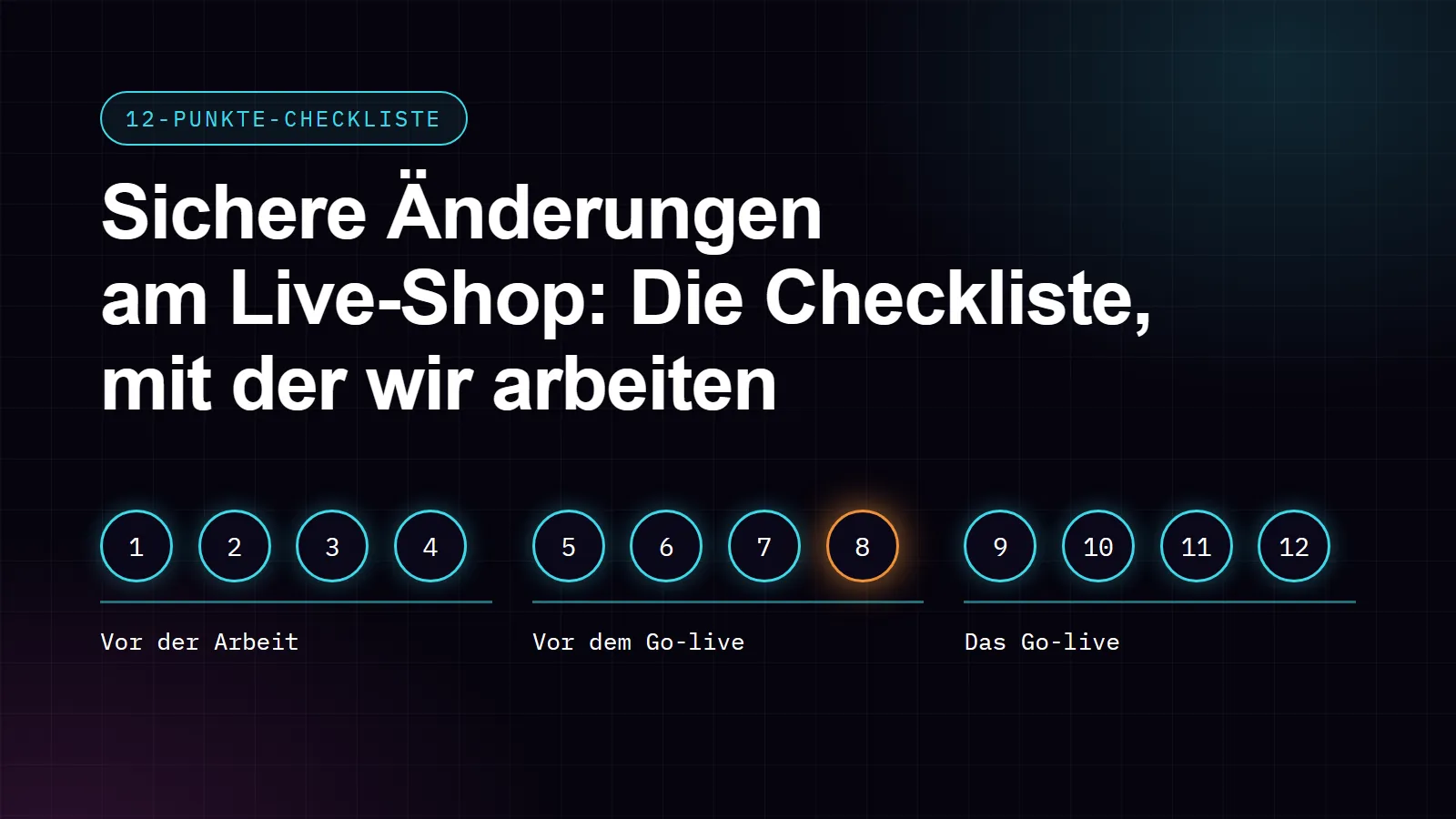
Before the work begins
1. Write down what “done” means.
A clear brief in plain words: what should change, where, and how will you know that it works? “The free shipping threshold is shown in the cart and drops to €49” can be tested. “Improve the cart” cannot. The clearer the brief, the fewer correction rounds.
2. Know the cost before the work begins.
Agree on an estimate and an upper limit before anyone starts. If the work grows, you want to hear about it before the budget is used up, and not on the invoice.
3. Never work on the live shop.
Every change is built on a copy of the shop (often called staging), with a current copy of the database so that it behaves like the original. Protect the copy with a password and keep it out of the search engines: it holds real products and often real customer data.
4. Make every change traceable.
All code changes go into version control (git, for example), one change after another, each with a short description. That way you always know what changed, when and why, and a single change can be taken back without touching the rest.
Before the go-live
5. Test automatically and by hand.
Automated tests find what breaks quietly; a human eye finds what looks wrong. Always test what earns you money: search, product pages, cart, checkout with every payment and shipping method, customer account, emails.
6. Let a second pair of eyes look at it.
A code review by someone other than the author finds mistakes, shortcuts and security problems before they reach your customers.
7. Check it yourself on the copy.
Before anything goes live, you (or someone from your team) look at the result on the copy. Feedback comes in writing and in plain words, so that nothing gets lost.
8. Give an explicit approval.
Nothing goes live without a clear “yes” from the shop owner. Not “I think it was okay”, and not silence.
The go-live
9. Back up right before the go-live.
A fresh backup of code and database, immediately before the change goes live. Some changes, database updates for example, cannot simply be undone, which is why the backup is your way back.
10. Go live at a planned time.
Fixed release windows on quiet days and at quiet hours, when someone is there who can react. Not on a Friday afternoon, not during a newsletter send or a discount campaign. For your strongest sales weeks, before Black Friday and Christmas for example, agree on a change freeze: urgent bug fixes only, no new features.
- New features
- Urgent bug fixes
11. Check the live shop immediately.
Right after the go-live, click through the most important paths in the live shop: home page, search, a product, the cart, a test order, the confirmation email. Fifteen minutes now save you a weekend of lost orders.
12. Always have a way back.
Before every go-live it has to be clear how the change can be undone if something goes wrong, and who takes care of that. Afterwards, keep an eye on orders, error messages and customer feedback for a day or two.
How the Eywora AI Crew follows the same checklist
The Eywora AI Crew is a crew of AI agents that develops shops and websites further, accompanied by our team. We did not invent a new process for AI. We gave it ours:
| Point of the checklist | How the AI Crew does it |
|---|---|
| 1. Writing down what “done” means | You describe the task in plain words in the chat with the crew's project manager, who asks follow-up questions |
| 2. Knowing the cost beforehand | You see an estimate in euros before the work starts and approve it |
| 3. Never working on the live shop | All of the work happens on a copy of your shop; the live shop stays untouched |
| 4. Every change traceable | Every change is versioned and can be taken back on its own |
| 5–6. Testing and review | Automated test and code review steps; whatever fails goes back into development |
| 7. Checking it yourself | You check the result on the copy and give feedback in your own words |
| 8. Explicit approval | Nothing goes live without your approval |
| 9. Backup | A backup before every deployment |
| 10. Planned timing | Releases in fixed deploy windows |
| 11. Checking the live shop | A check of the live shop after the go-live |
| 12. A way back | A rollback by our team if something goes wrong |
The AI Crew works with a fixed monthly flat rate for the whole crew, plus the AI usage per task, which you always see in advance as an estimate.
The checklist to take away
Would you like to see this process on a real shop? Book a free 20-minute demo.