
WooCommerce is flexible because it is made of many parts: WordPress, WooCommerce itself, a theme and often 20, 30 or more plugins for payments, shipping, invoices, marketing and feeds. Every part is built by a different team, at its own pace. Maintenance means keeping all of those parts up to date and making sure they still work together, above all in the checkout.
We are signundsinn, an e-commerce agency in Munich, and we have been looking after online shops since 2009. This is the maintenance plan we would give to every WooCommerce shop owner, whether you do it yourself, with a developer or with us.
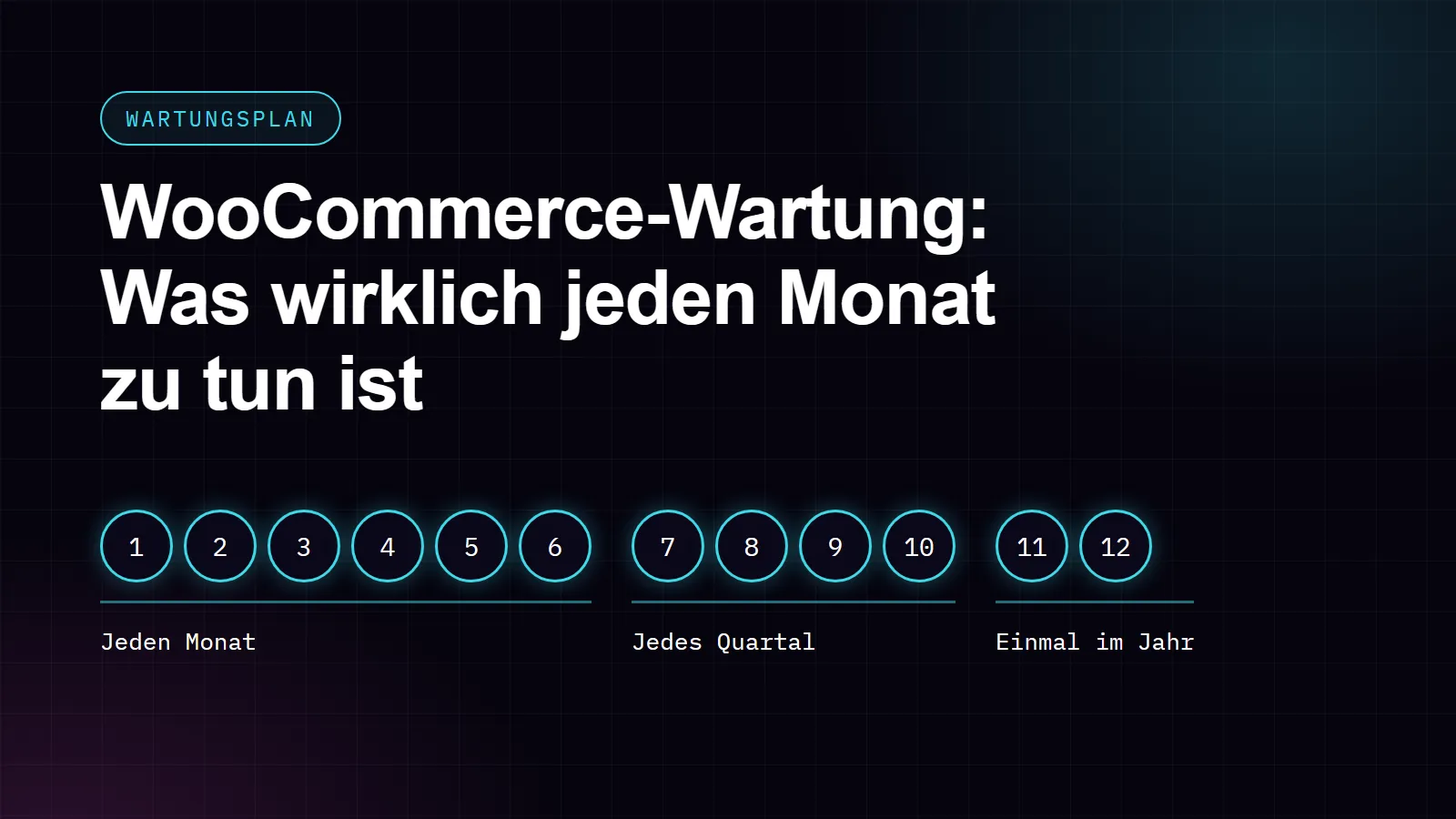
Every month
1. Update, but on a copy first.
WordPress installs small security releases automatically by default. Larger WordPress releases, WooCommerce, your theme and your plugins wait for you, unless you have switched on automatic updates. Collect the pending updates once a month, install them on a copy of the shop (a staging site), test there and only then update the live shop. Urgent security updates do not wait for the monthly date: install those within a few days.
2. Watch out for the WooCommerce database update.
After some WooCommerce updates the admin shows a notice that the database needs to be updated. Run it right after the update, and on the copy first. Do not leave it sitting for weeks.
3. Place a test order.
After every update: one real test order through the checkout, with your most important payment methods, and check that the confirmation email arrives and the order appears correctly in the admin. This is the single most important check, because payment and shipping plugins are where updates cause problems most often.
4. Check the backups.
Is there a daily backup of the files and the database? Is it stored somewhere other than the shop's server? Check that the last backup really exists, not just that a backup plugin is installed.
5. Look into the logs and the scheduled actions.
Under WooCommerce → Status → Logs, look for new “fatal-errors” entries. Under WooCommerce → Status → Scheduled Actions, check whether there are failed or long-pending actions: emails, webhooks and subscription renewals run through them, and a growing pile is an early warning sign.
6. Keep an eye on speed.
Open the home page, a category and a product page on your phone. If the shop feels slower than last month, find out why before it costs conversions: often it is a new plugin, a large image or a bloated database table.
Every quarter
7. Check your PHP version.
Look under WooCommerce → Status (or ask your host) which PHP version the shop runs on and whether it still receives security updates. PHP 8.2 receives its last security updates on 31 December 2026. Changing the PHP version is a change like any other: test it on the copy first, with all of your plugins.
8. Clean up plugins and themes.
Deactivated plugins and unused themes still sit on the server and can still have security holes. Delete what you do not use. For every plugin that stays, check: is it still being updated? A plugin that has not received updates for a long time is a risk you should plan for.
9. Check the template overrides.
If your theme customises WooCommerce templates, WooCommerce → Status shows when those copies are outdated compared to the current WooCommerce version. Outdated overrides are a common reason why a page looks or behaves wrong after an update.
10. Review the user accounts.
Remove admin accounts of people who no longer work on the shop (including former agencies and freelancers), give everyone only the rights they need, and use two-factor authentication for admins.
Once a year
11. Test a restore.
A backup you have never restored is a hope, not a plan. Once a year, restore a backup onto a copy and check that the shop works.
12. Review hosting, licences and renewals.
Does your hosting plan still match your traffic? Are the licences for paid plugins and the theme still active, so that you keep receiving updates? When do the domain and the SSL certificate renew, and who gets the reminder?
Before your strongest weeks of the year
Plan a change freeze for the weeks before Black Friday and Christmas: finish the updates beforehand, then only urgent security updates until the peak season is over. Black Friday falls on 27 November this year, so the last regular round of updates should be finished now.
How much time does this take?
For a typical small WooCommerce shop the monthly routine (updates on a copy, test order, checks) takes around 2–6 hours of developer time. At the usual agency rates of €100–150 per hour that is roughly €200–900 per month. Shops with many plugins, a custom theme or subscriptions sit at the upper end. A month with a bigger update that breaks something takes longer.
You can take on part of it yourself: the test order, the look into the logs, the backup check. The updates on a copy and the PHP change are better left to a developer.
- Test order
- Look into the logs
- Backup check
- Updates on a copy
- PHP change
How the Eywora AI Crew takes over the maintenance
Maintenance is recurring work that has to happen reliably every month. That is exactly what the Eywora AI Crew, our AI development crew accompanied by our team, does with recurring tasks: for example “update WordPress, WooCommerce and the plugins every two weeks”. For each recurring task you choose how much it handles on its own: only prepare the update for your approval, take it as far as the copy of your shop within a budget limit, or run it fully automatically within that limit.
Every run follows the same sequence: the update happens on a copy of your shop, with automated tests and code review, and nothing goes live without your approval (unless you have chosen the automatic mode). Before every deployment there is a backup, and our team can roll it back if something goes wrong. The AI Crew works with a fixed monthly fee plus AI usage per task, which you see as an estimate before the work starts.
The checklist to take with you
Would you like to see a WooCommerce update that runs like this? Book a free 20-minute demo.