This article describes a fictional but typical order. The company does not exist; the process corresponds to the way the Eywora AI Crew works.
The starting point
A wholesaler of electrical installation material sells exclusively to business customers through a shop on Magento Open Source 2.4. Two things have been a nuisance for a while: customers keep ordering without a company name, which accounting has to sort out when invoicing, and the VAT ID is never validated. On top of that, there is a security patch Adobe published two weeks ago that has not been applied yet. The owner describes all three points in one order.
Step 1: Priority and sequence
The AI team lead puts the security patch first. It affects the live system regardless of the other wishes and should therefore not have to wait for the checkout changes. Proposal: the patch as its own first change with its own approval, the checkout adjustments as the second. That way the patch can go live on the next release day even if the checkout is still in the feedback round. The agent for cost estimates names a rough range for both parts.
Step 2: The patch on the copy
The shop is managed via Composer. On the copy, the agent for integrations and systems applies the patch, runs the setup upgrades, recompiles the dependencies and generates the static files. Then it checks what tends to go wrong in Magento after every update: do all indexers run through, is cron working, are the caches clean. The automated tests call up category, product and cart pages and complete one order with each active payment method. The agent for security and privacy confirms from version and changelog that the patch is in effect.
Step 3: Checkout with built-in features and a small module
The VAT ID needs no custom code: Magento ships validation via the European verification service and can automatically assign customers to a customer group depending on the result. The agents configure that and create the groups "business, verified" and "business, unverified", which the owner can later use for prices and payment methods. The mandatory company field, on the other hand, cannot simply be switched on. For that, a small module of its own is created that adds the mandatory rule to the address fields in the checkout and delivers a clear error message. It changes no core files and no files of other modules, so that later Magento updates do not overwrite it. A second agent reviews the code; the designer checks the display in the checkout on a smartphone.
Step 4: Preview, approval, go-live
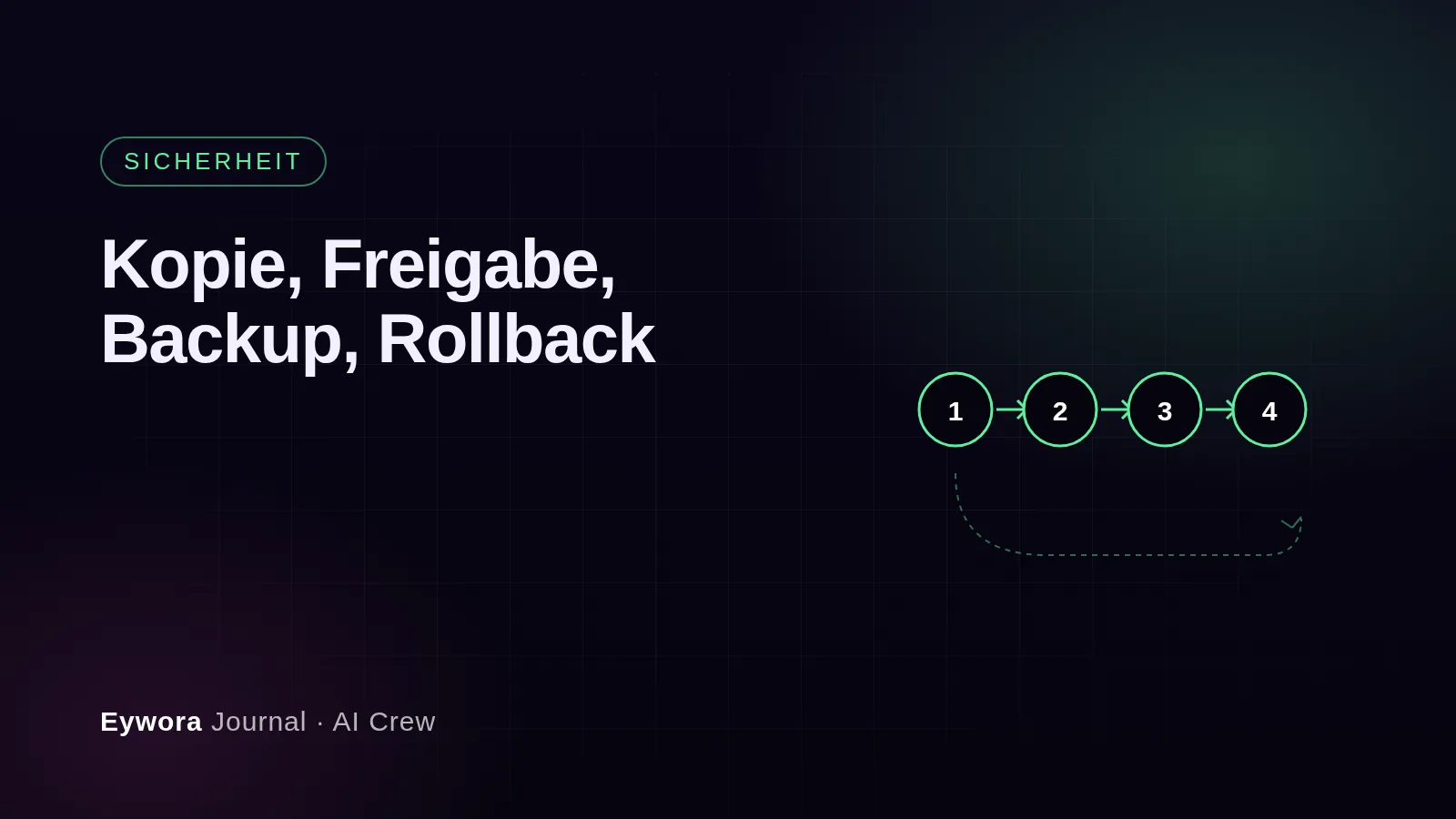
The owner approves the patch after a brief check of the preview; it goes live on Tuesday with a backup. For the checkout he asks for one change: the error message should point to invoicing, not just say "mandatory field". After the second preview he approves, and the checkout goes live on Thursday, again with a backup beforehand. Both changes are documented separately in the version control system and can be rolled back independently of each other. Two rollbacks per month are included.
What this example shows
Security patches wait in many shops because they are tied to other tasks or simply forgotten. A development team that decouples them and applies them with their own backup and their own approval takes exactly this worry off the owner. And in Magento too: built-in features first, then as little custom code as possible. The supported Magento versions are in the system list; what distinguishes an agency from an AI development team in such tasks is in the article AI development team or agency?.
Sources
- Adobe – Adobe Commerce and Magento Open Source, lifecycle policy and release information – https://experienceleague.adobe.com/en/docs/commerce-operations/release/planning/lifecycle-policy
- Eywora, FAQ on the AI Crew: Can the AI Crew perform updates, what happens after go-live – https://www.eywora.com/en/faq/ai-crew/